
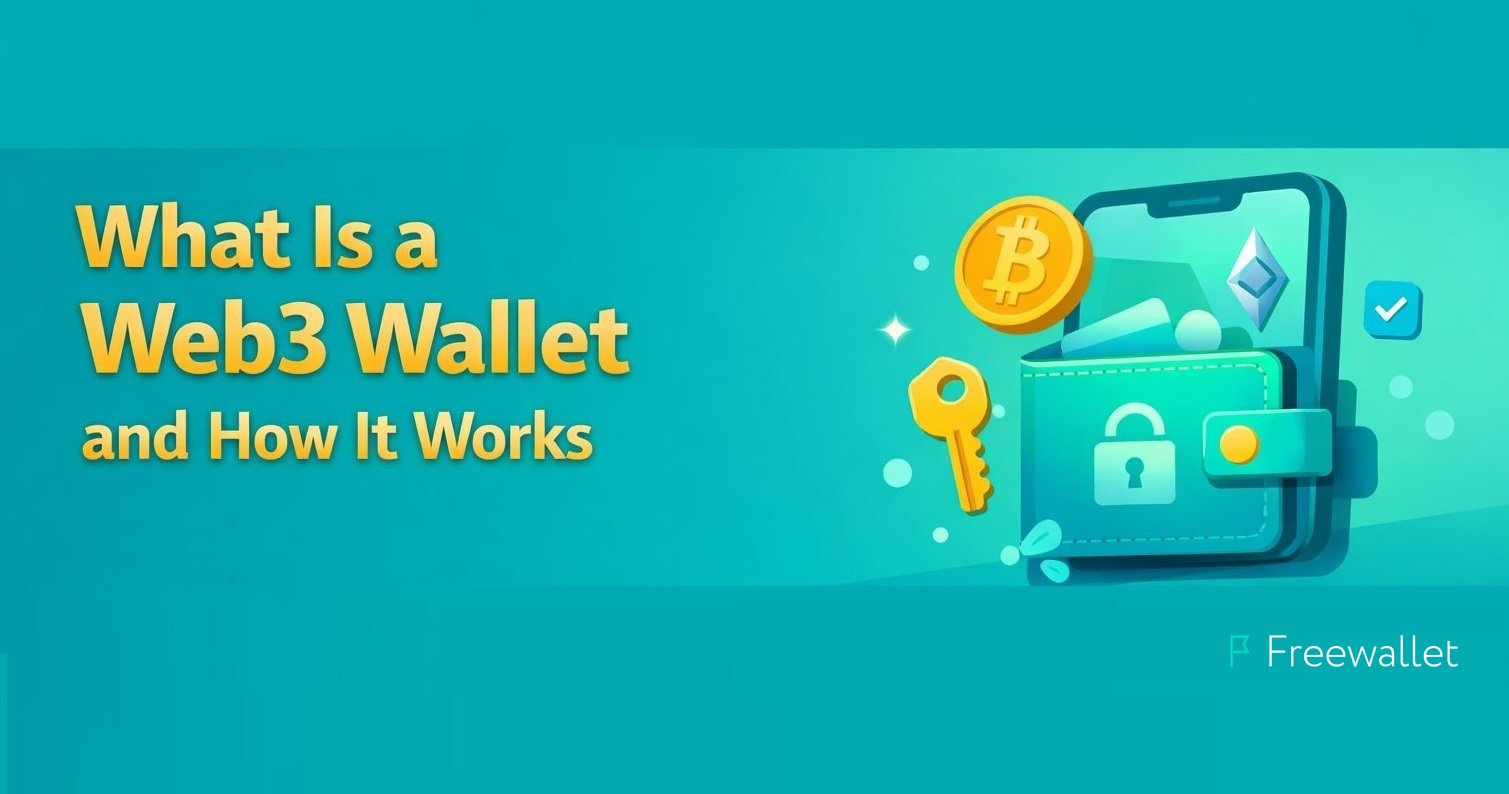
If you are starting to use crypto apps, NFTs, or DeFi, the first tool you will need is a Web3 wallet. If you want a simple, non-custodial option to get started, you can download the Freewallet Web3 Wallet. A Web3 wallet lets you hold your own keys and connect directly to Web3 apps, so you can verify what you sign and what you send.
People often ask "what is a web3 wallet" because it looks similar to a normal crypto wallet at first glance. In reality, a Web3 wallet is also a login tool, a permission manager, and a transaction signer for decentralized apps.
What is a Web3 Wallet?
A Web3 wallet is an app or device that stores the keys you use to control blockchain assets and interact with Web3 applications. It can hold crypto, receive tokens, and sign transactions. It can also connect to decentralized exchanges, NFT marketplaces, lending protocols, and other Web3 services.

If you have asked "whats a web3 wallet," a good mental model is this: it is both a wallet and an identity tool. Your wallet address is like a public account number. Your private key is what proves you own that address and authorizes actions from it.
When someone asks "what is a web 3 wallet," the key difference from a Web2 account is control. In Web3, the wallet, not a username and password, is the core of access and ownership.
How Do Web3 Wallets Work?
To understand what is a web3 wallet in practice, it helps to follow the flow of a typical action.
A Web3 wallet works through three main pieces:
– A public address that others can send assets to
– A private key or signing method that proves ownership
– A signing interface that asks for approval before actions happen
Here is what happens when you use a Web3 app:
1. You connect your wallet to the app.
2. The app requests permissions, such as reading your address or viewing token balances.
3. When you want to do something, the app creates a transaction request.
4. Your wallet shows the details and asks you to approve.
5. If you approve, the wallet signs the request and broadcasts it to the network.
Sounds complex? The key point is simple: the wallet is the gatekeeper. It does not "move money" by itself. It signs, and the blockchain executes.
This is also why "what is a web3 wallet" is closely tied to security. If a wallet signs something you did not understand, the blockchain still treats it as authorized.
Types of Web3 Wallets
There is no single best answer to what is web3 wallet for everyone, because different wallets fit different needs. Most options fall into three categories: non-custodial wallets, custodial wallets, and smart contract wallets.

Non-custodial Wallets
A non-custodial wallet means you control your keys. The provider does not hold them for you.
If you want a clean "web3 wallet example," a non-custodial wallet is the most common starting point for real Web3 usage because it can connect directly to apps while keeping control with the user.
Typical features include:
– A seed phrase or other self-custody backup method
– Direct signing for swaps, NFTs, staking, and app logins
– Full responsibility on the user side for key security
Pros:
– You keep control of funds and permissions
– You can connect to most Web3 apps
– You can switch providers without moving your on-chain identity
Cons:
– If you lose recovery access, there is usually no reset
– Mistakes like signing malicious approvals can be costly
Custodial Wallets
A custodial wallet is closer to a traditional account. A company holds keys on your behalf and gives you access through login methods, sometimes with recovery support.
This is often easier for beginners, but it changes the trust model. Your ability to move funds depends on the custodian’s policies, security, and compliance requirements.
Pros:
– Password recovery is usually possible
– Support teams may help with account access issues
– Simpler onboarding for new users
Cons:
– You rely on a third party to access funds
– Withdrawals may be limited by policies or checks
– Web3 app connections can be more restricted
Smart Contract Wallets
Smart contract wallets are wallets where the "account" is a contract on-chain. Instead of one private key controlling everything, the contract can enforce rules.
Examples of rules include daily spending limits, multi-signature approvals, or social recovery. These wallets often improve usability, but they can introduce extra complexity and sometimes higher costs on certain networks.
Pros:
– Flexible security rules
– Can support account recovery designs
– Can be safer for teams or shared funds
Cons:
– Depends on contract security and audits
– May not work everywhere in the same way
– Some features depend on network support
Benefits of Using a Web3 Wallet
People keep asking what is a web3 wallet because the benefits are broader than storage. A Web3 wallet helps you do things that regular accounts cannot do easily.
Key benefits include:
– Self-custody and ownership of assets and on-chain identity
– Direct access to DeFi, NFTs, and decentralized services
– Portable identity that works across many apps
– Permission control for token approvals and spending limits
– Transparency because activity can be verified on-chain
If you are looking for a practical web3 wallet example, connecting a wallet to a decentralized exchange is one of the simplest demonstrations. You keep your assets in your wallet and sign a trade, rather than depositing funds into an exchange account first.
Security Features of Web3 Wallets
When someone asks "are Web3 wallets safe," the honest answer is: they can be safe, but the user experience matters. A wallet is secure only if it helps users avoid common mistakes.
Common security features include:
– Local key storage on the device, often protected by OS security
– PIN, password, biometrics, or device-level authentication
– Hardware wallet support for keeping keys offline
– Clear signing prompts that show what you are approving
– Address validation tools and warnings for risky actions
Some wallets also add transaction simulation or risk alerts. These are helpful, but they are not perfect. Attackers often target user behavior, not encryption.
Wallet Security Best Practices
If you are learning what is web3 wallet security, start with habits, not tools. Most losses happen because of phishing, fake apps, or careless approvals.
Use these best practices:
– Never share your seed phrase or private key, not even with "support."
– Verify the website domain before connecting your wallet.
– Use a hardware wallet for large holdings when possible.
– Create a separate hot wallet for daily activity and keep long-term funds elsewhere.
– Review token approvals and revoke old permissions you do not need.
– Read the signing screen and avoid blind signing.
– Keep backups offline in a safe place, not in cloud notes or screenshots.
So what does this mean in real use? Treat every signature as real. A signature can grant spending permission even if it does not look like a payment.
Which Web3 Wallet Should You Use?
Choosing a wallet depends on what you plan to do. If you ask "what is a web3 wallet I should use," the right answer depends on your priorities.
Here are simple decision rules:
– If you want control and Web3 access, choose a non-custodial wallet.
– If you want ease and recovery support, a custodial wallet may feel simpler.
– If you want advanced security rules, consider a smart contract wallet.
Also check:
– Which networks you need (EVM chains, Solana, Bitcoin support)
– Whether you want a browser extension, mobile app, or hardware wallet integration
– How clear the signing experience is
A good web3 wallet example for one person may be a bad fit for another. The best wallet is the one you can use safely and consistently.
Popular Web3 Wallets
If you search "whats a web3 wallet," you will quickly see a lot of options. These are some widely used wallets people mention as a web3 wallet example:
– MetaMask
– Noone Wallet
– Coinbase Wallet
– Trust Wallet
– Phantom
– Ledger
– Trezor
Some are software wallets, some are hardware wallets, and some focus on certain ecosystems. The right way to use this list is to match features to your needs, not to copy what is popular.
Are Web3 wallets safe?
Are Web3 wallets safe? They can be, but safety depends on three layers:
– Key security: how well your keys are protected and backed up
– App safety: whether the apps you connect to are legitimate
– Decision safety: whether you understand what you approve

A strong wallet reduces risk by making permissions clear and by supporting safer workflows. Still, no wallet can fully protect a user who signs anything without checking.
If your main concern is safety, consider a setup with a hardware wallet for long-term storage and a separate hot wallet for everyday activity.
The Future of Web3 Wallets
Wallets are changing fast, mostly in usability rather than basic cryptography.
Trends to watch include:
– Account abstraction: more flexible accounts that can support better recovery and fee payment options
– Passkeys and improved authentication: easier sign-in without exposing keys
– Better transaction simulation: clearer previews of what a signature will do
– Safer permissions: more granular approvals and easier revocation
– Cross-chain UX improvements: smoother movement across networks
The goal is to make the answer to "what is a web3 wallet" less intimidating. Over time, wallets should feel more like secure everyday apps while still keeping user control.
FAQ
What is a web3 wallet, exactly?
A Web3 wallet is an app or device that manages keys, signs transactions, and connects you to decentralized apps. It is how you control assets and permissions on-chain.
What is web3 wallet used for?
It is used for storing crypto, sending and receiving tokens, connecting to DeFi and NFT apps, and approving transactions and permissions.
Whats a web3 wallet compared to an exchange account?
An exchange account is usually custodial and controlled by the exchange. A Web3 wallet is often non-custodial, meaning you control the keys and sign actions yourself.
What is a web 3 wallet and do I need one to use Web3 apps?
Yes, most Web3 apps require a wallet connection because the wallet signs actions like swaps, mints, and approvals.
Can you give a web3 wallet example for beginners?
A common web3 wallet example is a non-custodial mobile wallet that supports the networks you use and has clear signing screens. Beginners should prioritize clarity and safe backups over advanced features.
Are Web3 wallets safe if I use public Wi-Fi?
Public Wi-Fi is not ideal, but the bigger risk is phishing and malicious sites. Use official apps, verify domains, and avoid signing unknown requests. A VPN can help, but it is not a substitute for good security habits.
What happens if I lose my recovery phrase?
For most non-custodial wallets, losing the recovery phrase means losing access. That is why backups are essential.
Final Thoughts
If you have been asking what is a web3 wallet, the most important takeaway is that a Web3 wallet is not just storage. It is the tool that authorizes actions in Web3, and it puts control and responsibility in the user’s hands.
Start simple, use safe habits, and treat every signature as meaningful. That approach matters more than any single feature list.
Related
Stay tuned
Subscribe for weekly updates from our blog. Promise you will not get emails any more often.
Our authors

Most Popular
New Posts
Stay tuned
Subscribe for weekly updates from our blog. Promise you will not get emails any more often.
Our authors